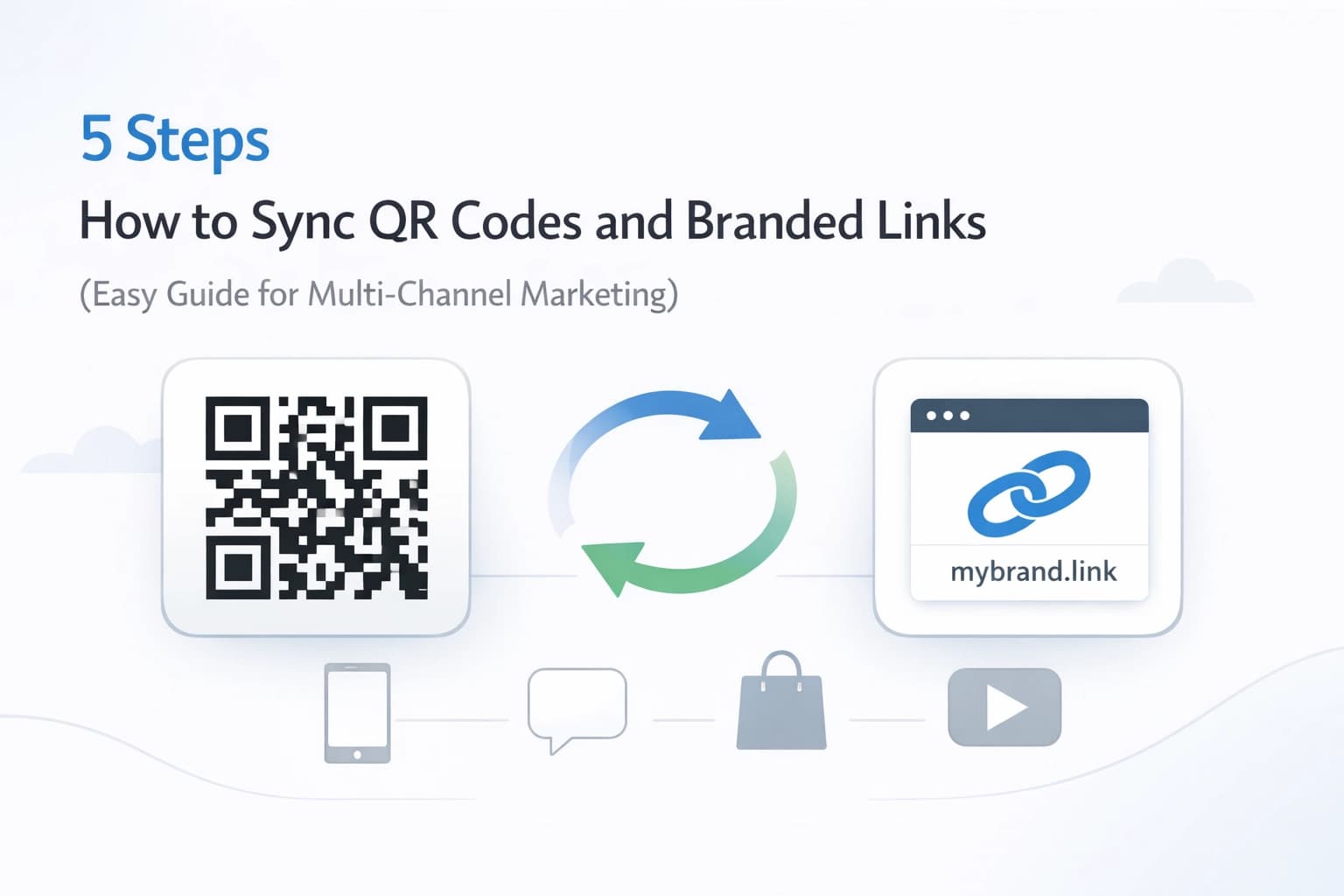
5 Steps How to Sync QR Codes and Branded Links (Easy Guide for Multi-Channel Marketing)
![[HERO] 5 Steps How to Sync QR Codes and Branded Links (Easy Guide for Multi-Channel Marketing)](https://cdn.marblism.com/Z-NofwKqT2f.webp)
![[HERO] 5 Steps How to Sync QR Codes and Branded Links (Easy Guide for Multi-Channel Marketing)](https://cdn.mar4blism.com/Z-NofwKqT2f.webp)
Modern marketing requires consistency across physical and digital touchpoints. Bridging the gap between a printed flyer and a digital landing page often fails due to broken links or generic URLs. Syncing QR codes with branded links solves this. It ensures your brand remains visible even when the user is offline.
This guide outlines the technical and logistical steps to integrate QR codes with your branded link management strategy.
The Importance of Syncing in 2026
Generic QR codes are often perceived as high-risk by security-conscious users. Branded links mitigate this risk. When a user sees your domain name in a short link or a QR code scan preview, trust increases. Increased trust leads to higher click-through rates (CTR).
Syncing these assets means that your QR code is not a static image, but a dynamic gateway. If your marketing campaign changes, the QR code remains the same while the underlying destination updates. This prevents wasted printing costs and broken user journeys.
Step 1: Establish Your Branded Link Foundation
The first step is moving away from generic URL shorteners. You must use a custom domain that reflects your brand identity. For example, instead of a random string of characters, use a domain like brand.link/offer.
Why Custom Domains Matter
- Brand Recognition: Users see your name, not a third-party service.
- Deliverability: Branded links are less likely to be flagged as spam by email filters or social media algorithms.
- Control: You own the link and the data associated with it.
Visit Weeny to start setting up your custom domain. Once your domain is connected, every link you generate becomes an extension of your brand.
Step 2: Generate Dynamic QR Codes
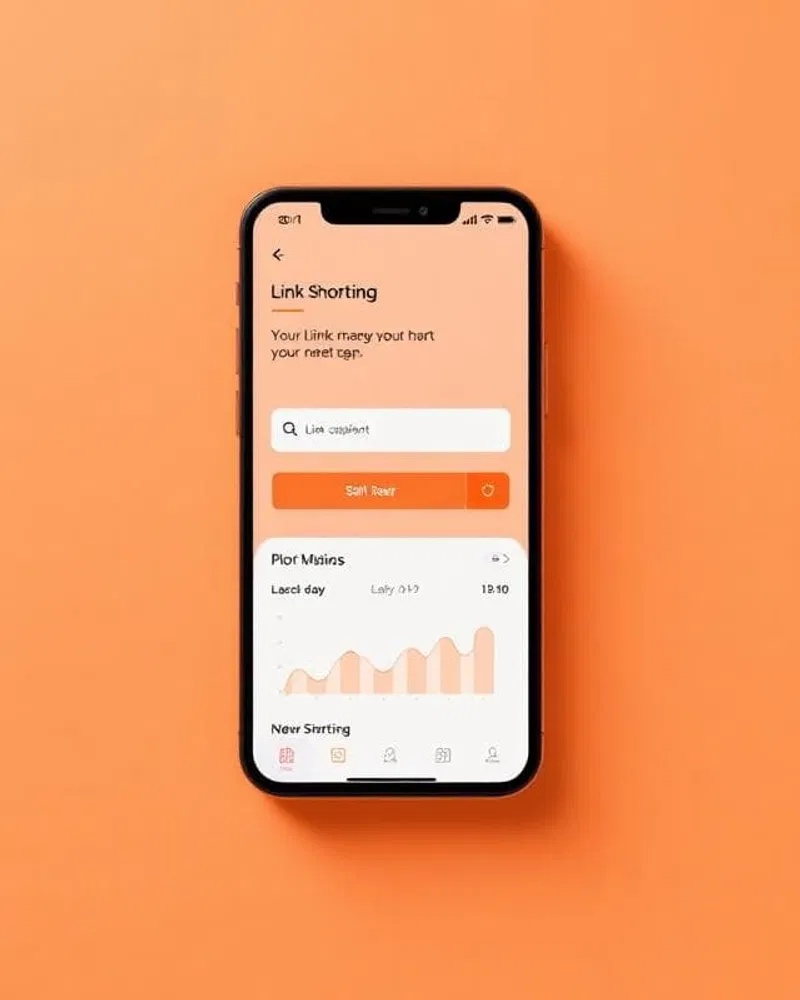
Static QR codes hardcode the destination URL into the pattern. If the URL changes, the QR code becomes useless. Dynamic QR codes solve this by linking to a redirector: your branded link.
The Redirection Logic
- The user scans the QR code.
- The scanner reads your branded short link (e.g.,
weeny.link/winter-sale). - Your link management platform identifies the current destination for that short link.
- The user is redirected to the active landing page.
By using dynamic QR codes, you can change the destination URL at any time via your dashboard. This is essential for multi-channel marketing where campaigns evolve weekly or monthly. You can find more information on how to manage these in our help section.
Step 3: Customize QR Visuals for Brand Consistency
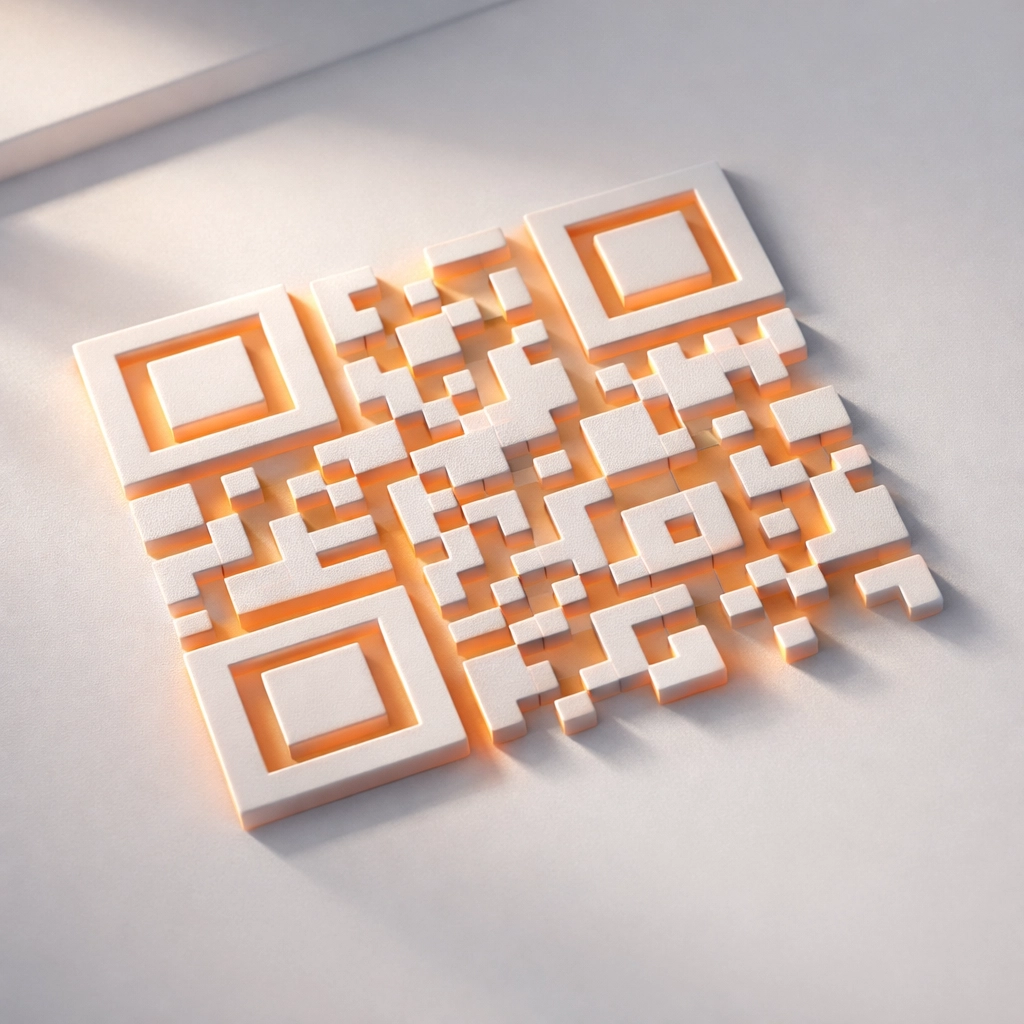
A black-and-white QR code often clashes with high-quality marketing materials. Customization allows the code to blend into your design while remaining functional.
Customization Parameters
- Color Palettes: Match the QR code pixels to your brand’s primary colors. Ensure high contrast against the background for scannability.
- Logos: Place your brand logo in the center of the QR code. Most modern scanners can handle up to 30% data loss (Error Correction Level H), allowing the logo to sit over the pattern without breaking the link.
- Frame and CTA: Add a frame with a clear call to action (CTA), such as "Scan to Save" or "View Menu."
Step 4: Deploy Across Multiple Channels
The power of synced QR codes lies in their versatility. You can use the same branded link across different physical and digital platforms while maintaining distinct tracking.
Print Media
Place QR codes on business cards, flyers, and billboards. Since the links are branded, even if the user manually types the URL instead of scanning, the brand presence remains.
Product Packaging
Use QR codes on packaging to lead users to assembly instructions, warranty registration, or exclusive loyalty rewards. If the instruction manual is updated, you simply update the destination of the branded link.
Digital Integration
While QR codes are primarily for physical-to-digital transitions, they are increasingly used in digital contexts like TV ads or desktop websites to move users to a mobile experience. You can manage these various entry points using our pages tool.
Step 5: Monitor and Adjust with Privacy-First Analytics
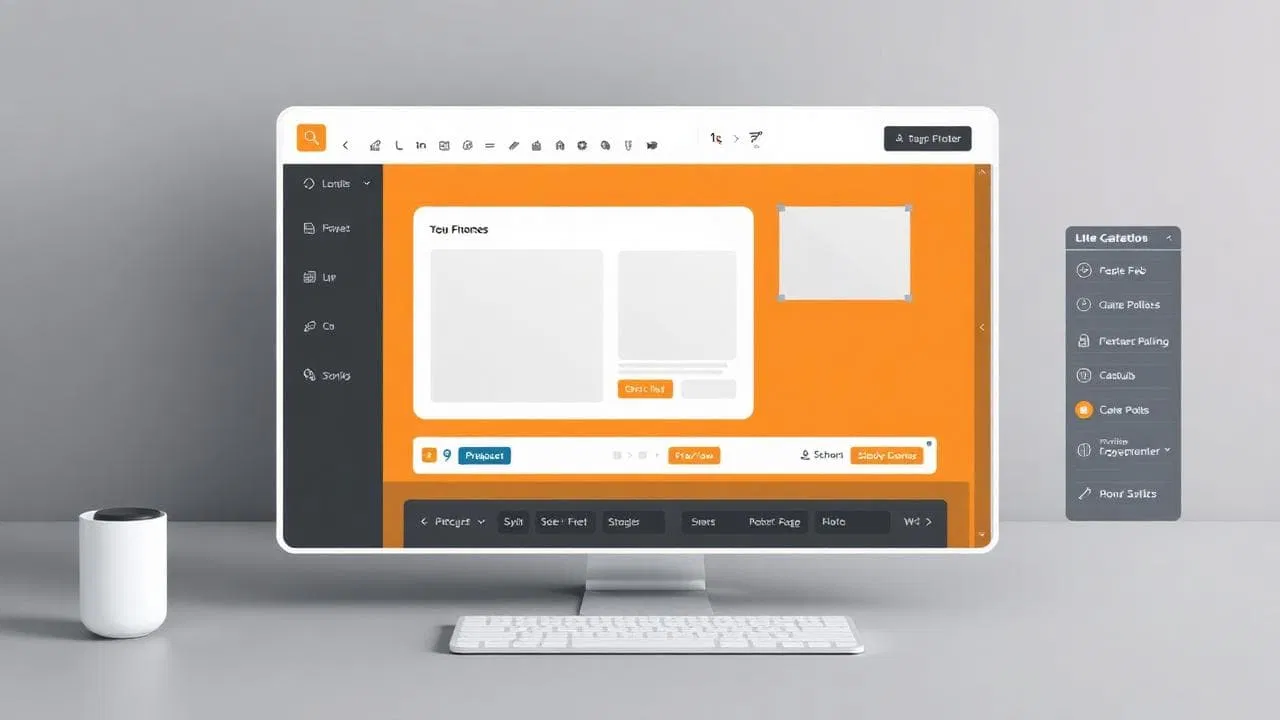
Data is the final step in the syncing process. You need to know which channels are performing best. By using unique branded links for different QR code placements, you can segment your traffic.
Metrics to Track
- Total Scans: The overall volume of engagement.
- Geographic Location: Where your physical materials are being engaged with most.
- Device Type: Whether your audience is primarily using iOS or Android.
- Time of Day: Identifying peak engagement periods for your campaign.
Privacy Compliance
In 2026, privacy is a requirement, not a feature. Weeny provides privacy-first analytics that track performance without harvesting sensitive user data. This ensures your marketing remains compliant with global regulations like GDPR and CCPA. Review our privacy policy for more details on how we handle data.
Troubleshooting and Best Practices
To ensure your synced strategy works effectively, follow these technical guidelines:
- Test Before Printing: Always test your QR code on multiple devices and scanning apps. A code that works on a high-end iPhone might struggle on a budget Android device if the contrast is too low.
- Size Matters: Ensure the QR code is at least 2cm x 2cm for print materials. Larger codes are required for billboards or transit ads.
- Shorten the URL: Even though the QR code is dynamic, using a shorter branded link results in a "cleaner" QR pattern with larger modules, which is easier for cameras to read.
- Use UTM Parameters: Attach UTM parameters to your destination URLs before shortening them. This allows you to see the QR code traffic directly inside your broader marketing analytics suite.
Conclusion of Logistics
Syncing QR codes with branded links is a mandatory step for professional multi-channel marketing. It provides the flexibility to update campaigns in real-time, the security of a trusted domain, and the insights of detailed analytics.
By following these five steps: establishing a custom domain, using dynamic codes, customizing visuals, deploying strategically, and monitoring data: you create a seamless journey for your customers.
For more examples of how businesses use these tools, check out our showcases or compare our features with other providers on our comparison page. Ready to start? View our pricing to find a plan that fits your volume.